Why Senior Safety Technology Matters
Alert devices differ in how they connect, who receives a call and what happens
when the battery or network is unavailable. Understanding those limits matters
more than a headline feature list.
These are examples from published supplier information, not products we have
hands-on tested. Use them to prepare questions about:
- Ease of use – Large buttons, simple interfaces
- Coverage – Country, network, battery life and service limits
- Total cost – Equipment, monitoring, optional features and cancellation terms
- Support – Who receives an alert and how setup or faults are handled
Examples to investigate
The US supplier examples below are not recommendations for UK or European service. Confirm the exact country and address covered before ordering; a device's cellular connection does not establish international monitoring coverage.
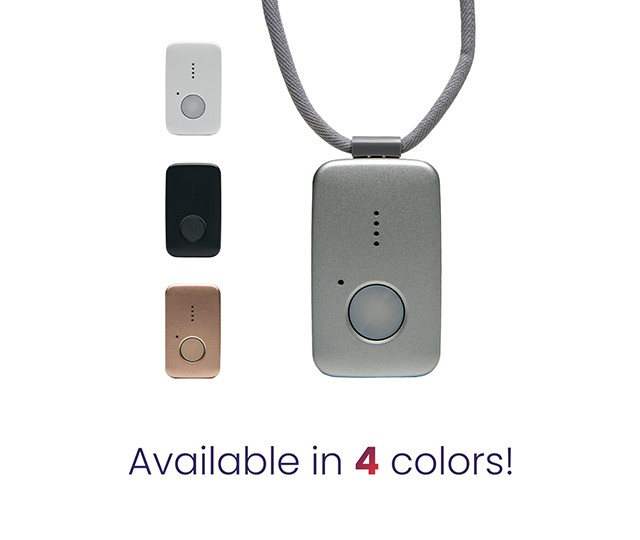 US supplier example
Medical Guardian mobile systems
Check current US pricing with the supplier
Medical Guardian offers monitored alert systems for the United States.
Its service terms
state that services are intended for US residents. Confirm the current model,
available options and coverage with the supplier.
- Ask which model is supplied and what its battery needs are
- Check whether fall detection is optional and what it costs
- Confirm monitoring coverage for the intended address and travel
Ask about
- Setup and ongoing support
- Who receives alerts and location information
Check before buying
- All fees, cancellation terms and optional charges
- Network and power limitations
Check Price at Medical Guardian →
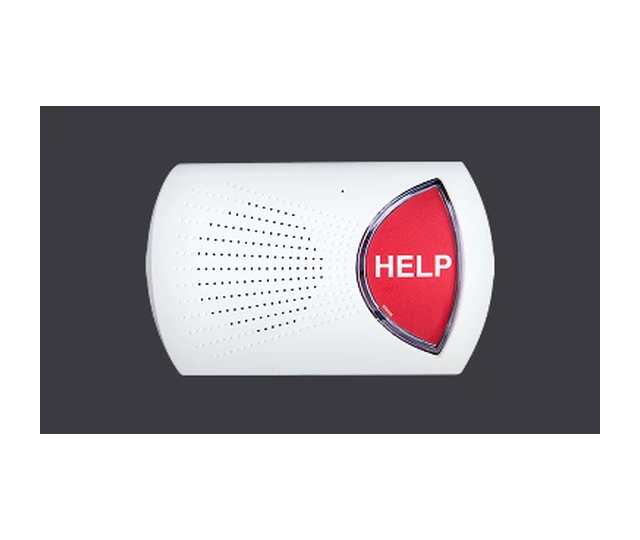 US supplier example
Bay Alarm Medical In-Home System
Check current US pricing with the supplier
Bay Alarm Medical describes an in-home system using a base unit and a wearable
help button. Its supplier page describes a US service that can contact local
911 services. Do not assume that this establishes UK or European coverage.
- Supplier lists landline and cellular base-unit options
- Supplier lists automatic fall detection as an optional feature
- Ask about total equipment, monitoring and optional-feature costs
Ask about
- Button comfort and daily use
- Installation and testing at your address
Check before buying
- Range and coverage for the exact system
- Fall-detection limitations and optional charges
Check Price at Bay Alarm Medical →
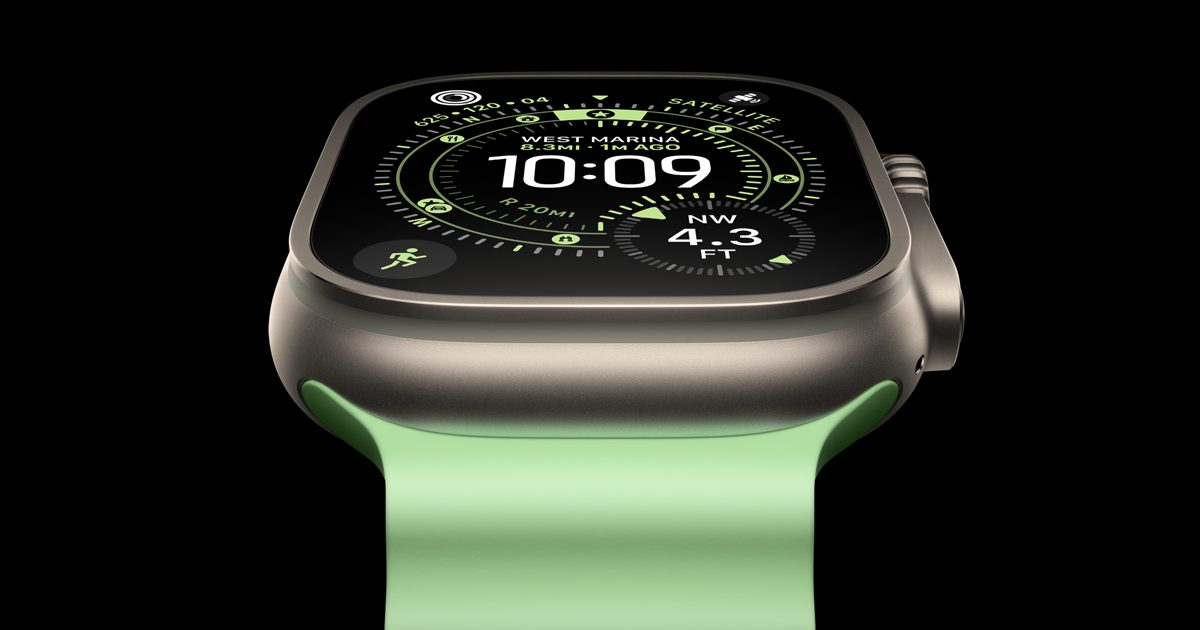 Smartwatch option
Apple Watch
Check local model, pricing and plan requirements
A smartwatch is a different kind of product from a monitored alert subscription.
Check the features of the exact model, the compatible phone and mobile plan,
and which functions remain available with the setup you intend to use.
- Check feature availability for your country and account setup
- Confirm any phone, cellular plan and connectivity requirements
- Understand charging needs and the limits of automated detection
Ask about
- Day-to-day comfort and ease of operation
- Compatibility with the user's existing devices
Check before buying
- Who receives an alert and under what conditions
- Full device and connectivity costs
Check Current Options at Apple →
How to Choose the Right System
When selecting safety technology for yourself or a loved one, consider these factors:
- Lifestyle: Active seniors who go out regularly need mobile systems with GPS.
- Tech comfort: Simple one-button devices are best for those who avoid
technology.
- Support needs: Ask a qualified professional about individual care needs; a feature list is not a personal assessment.
- Budget: Compare the full current cost of equipment, service and optional features.
- Family involvement: Some systems offer apps for family members to receive
alerts.
Affiliate Disclosure: This page contains affiliate links. If you purchase
through our links, we may earn a commission at no extra cost to you. This helps support
our mission to promote age-friendly resources. We only recommend products we believe in.